Events/Workshop/Talks

Transforming Chinese Language Revision: A Self-Directed Hub Built for Upper Primary Students
The Digital Engine: Gemini, NotebookLM, and Google Sites
-
Google Sites as the Hub: Serves as a centralized, intuitive dashboard where primary students can easily navigate through syllabus chapters (5A and 5B) without friction.
-
Gemini & NotebookLM: Power the backend content creation, helping educators generate structured vocabulary support, contextualized reading materials, and tailored practice prompts aligned directly with Singapore's Primary 5 Chinese curriculum.
Key Pedagogy & Design Principles
"Welcome to the fifth-grade vocabulary challenge! The coolest and most rewarding thing about learning is watching yourself get better every day... Today's challenge is not a task, but an opportunity to prove our potential."
Structured Syllabus Coverage
-
Book 5A Topics: Outdoor adventures (5A01 Camping Trip), non-verbal cues (5A02 The Body Speaks), values and empathy (5A03 You, so sensible; 5A04 Sharing is happiness), problem-solving (5A05 My stuff has been found), classic idioms (5A06 One thousand barrels of water), time management (5A07 Is racing against time), and historical tales (5A08 A long, long time ago).
-
Book 5B Topics: Everyday gratitude (5B09 The Story of the Lunchbox), peer relationships (5B10 Among students), civic identity (5B11 Singapore, I'm Proud of You), strategic thinking (5B12 Clever Yang Xiu), perspective-taking (5B13 Thanks to Left Hand), imaginative expression (5B14 Wants to be a tree), and global cultures (5B15 The World Is So Big - Inuit People).
Impact Beyond the Classroom

SgLDC 2026 Virtual Meet 1 by Lim Wu Yi
Transforming Primary Education with Generative AI and Interactive Simulations
The landscape of classroom learning is undergoing a profound shift. Educators are increasingly moving beyond static textbooks and traditional slides, turning instead to dynamic, interactive digital tools that bring complex concepts to life. By blending Generative AI, visual media, and interactive simulations, teachers are creating highly engaging, multi-modal learning environments tailored for primary school students.
Visual Learning Through AI Videos
Visual content remains one of the most effective ways to capture student interest and explain abstract scientific phenomena. Platforms like Science AI Education offer AI-generated videos designed specifically to break down foundational topics into visually rich, digestible lessons that boost conceptual understanding.
Interactive Learning with Gemini
Generative AI models are stepping into the role of interactive learning engines. Through targeted prompts and custom simulations built directly within Google Gemini, students can experiment, solve problems, and practice language skills in real time:
-
Life Sciences: Explore organism behaviors directly through a hands-on Mealworm simulation.
-
Applied Physics: Engage critical thinking with an interactive Angle Birds game or experiment with light and optics using a Shadow Simulation.
-
Language & Science Practice: Test conceptual understanding using custom exercises like the Materials Worksheet Question or practice vocabulary using Chinese Matching.
Community-Driven Learning on the SLS Gallery
Collaborative platforms allow educators to share digital resources across schools, providing ready-to-use learning objects that blend gamification with curriculum-aligned content:
-
Mathematics: Turn foundational arithmetic into an engaging challenge with the interactive Times Table Game.
-
Ecosystems & Biology: Help students visualize predator-prey relationships and energy flow in nature through the digital Food Chain Simulation.
-
Sustainability & Technology: Bring real-world applications into the classroom with interactive modules like the Smart HDB Home and the sustainable urban-planning module Eco City.
By integrating AI-generated visual media with active, game-based simulations, teachers can foster deeper curiosity, encourage independent exploration, and make learning an immersive experience for every student.
AI Videos:
https://www.youtube.com/@ScienceAIEducation (AI Videos)
Gemini Interactives:
https://share.gemini.google/CoQAxUz6kSbb (Mealworm simulation)
https://share.gemini.google/aPMpz1edfp31 (Materials Worksheet Question)
https://share.gemini.google/6HqzRxARnDJt (Angle Birds)
https://share.gemini.google/v4EZcvdicOfh (Chinese Matching)
Gemini - direct access to Google AI (Shadow Simulation)
SLS Community Galleries
https://vle.learning.moe.edu.sg/community-gallery/module/view/9f950687-f075-45cd-affb-64d03932be79/section/105621906/activity/105621907?pageNo=1 (Times Table Game)
https://vle.learning.moe.edu.sg/community-gallery/module/view/6a0f3939-153f-4b0c-b283-0433e2212035 (Food Chain Simulation)
https://vle.learning.moe.edu.sg/community-gallery/module/view/f3375a16-abfb-4550-a557-a8c01d3f39a7/section/105214872/activity/105214873?pageNo=1 (Smart HDB Home)
https://vle.learning.moe.edu.sg/community-gallery/module/view/4446bb04-c703-40d3-ac7e-7f599ade3f15/section/104631506/activity/104631507?pageNo=1 (Eco City)
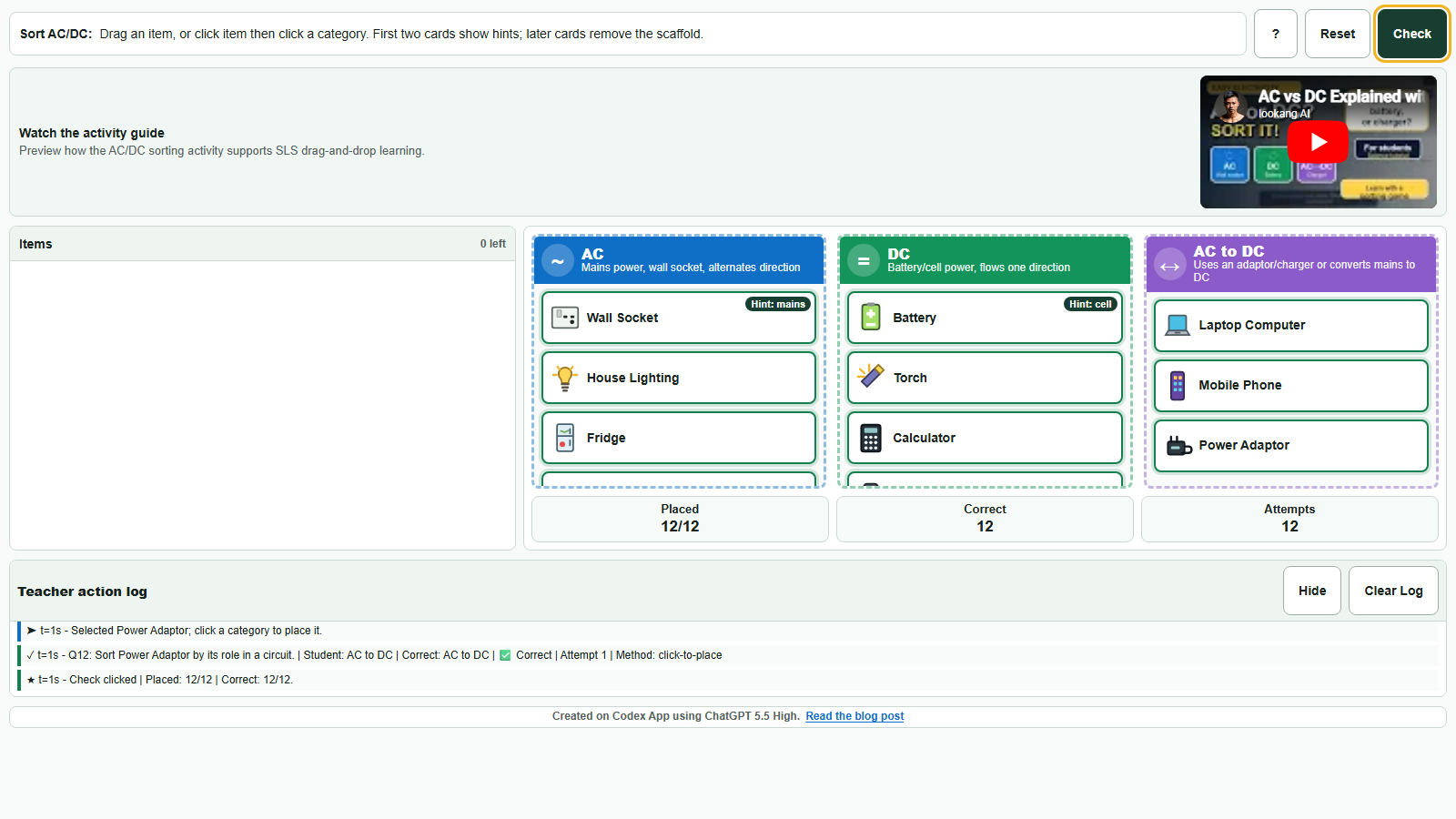
Using Codex to Create a Better SLS Drag-and-Drop Activity shares how a teacher idea became a polished offline HTML5 sorting activity for SLS.
Students sort everyday objects into AC, DC, or AC-to-DC categories using drag-and-drop, tap-to-place, mouse, touch, keyboard, or smartboard input, while receiving immediate feedback and producing useful teacher analytics.
Read more … 2026TFL Using Codex to Create a Better SLS Drag-and-Drop Activity




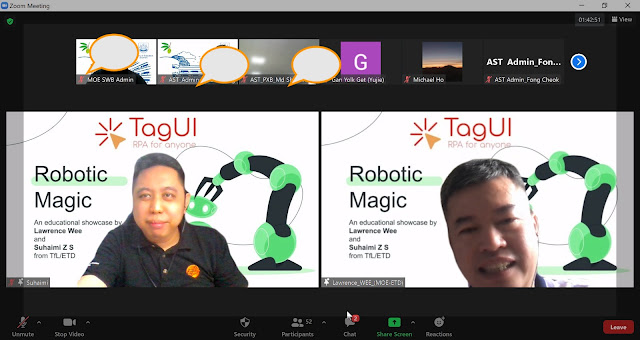
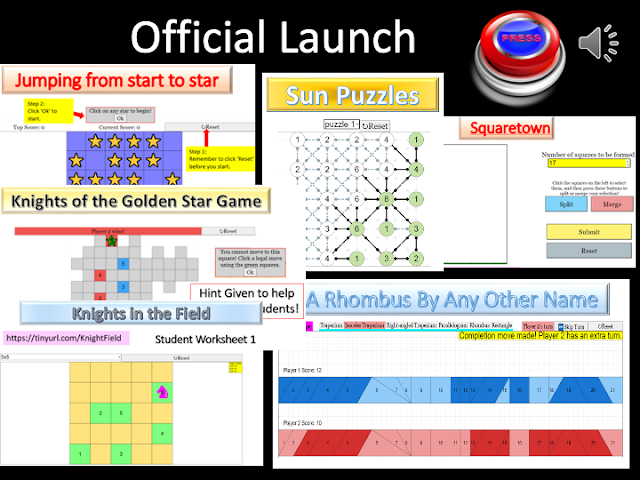

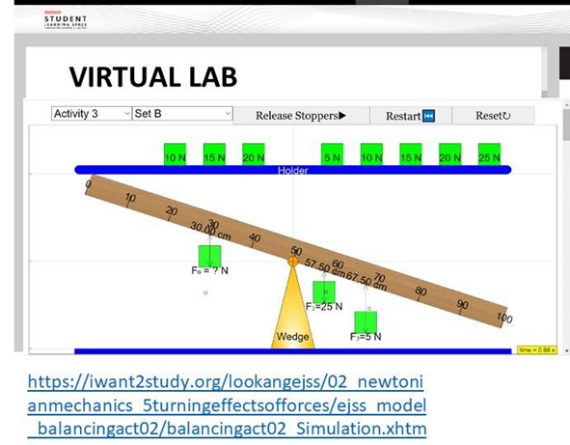
- 🤖2020 MOE Professional Forum for Research and Practice AI in Assessment: Review of AI Possibilities by Jean, Lawrence, Suryani and Hai Siang
- 20200819 AST Chemistry Chapter Chemistry Learning Day C1 sharing by Zenia
- 20200819 AST Chemistry Chapter Chemistry Learning Day C3 sharing by David Loh
- 20191029 -1111 Teacher Attachment 2019 ETDtogo: EdTech Takeaways | 2019-8
- 20190724 Primary Math App Sharing
Page 1 of 3