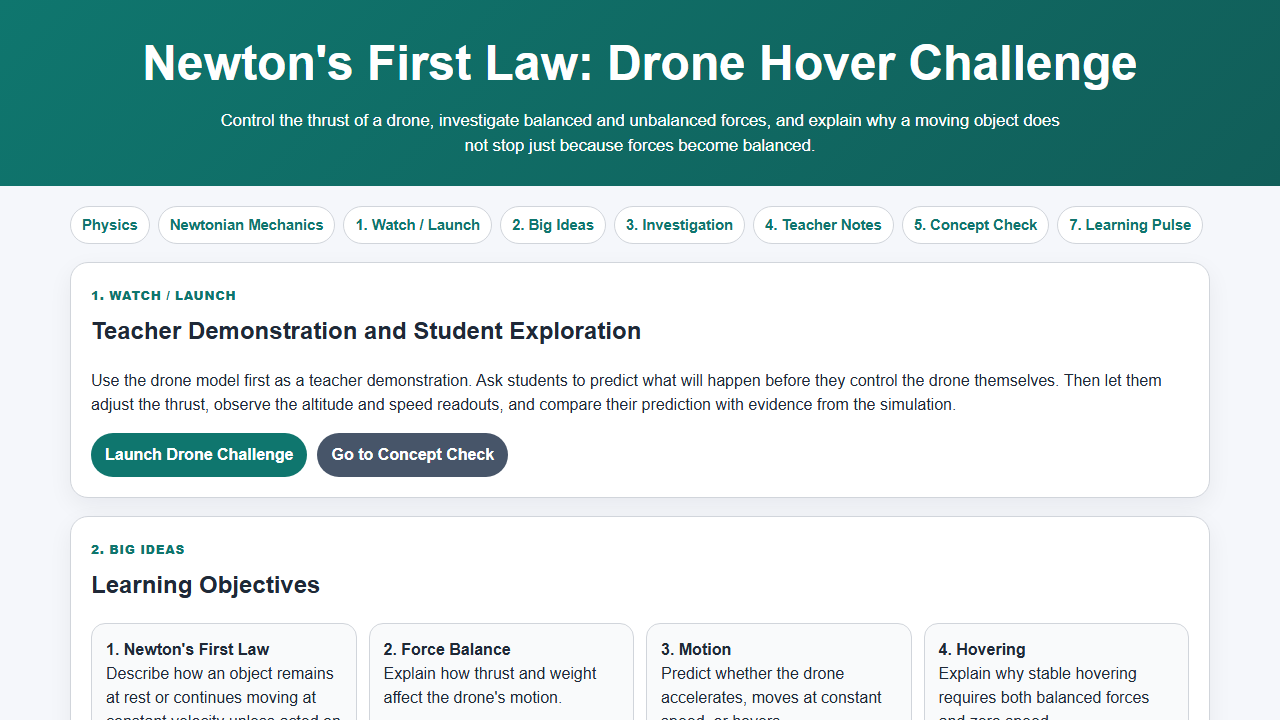
Newton's First Law Drone Hover Challenge is an HTML5 JavaScript physics lesson where students control a drone's thrust, compare thrust and weight, and decide whether the resultant force is zero or unbalanced.
The activity helps learners move beyond the common misconception that an object needs a continuous forward or upward force to keep moving. By watching altitude, velocity and force evidence together, students see that balanced forces mean zero acceleration, not necessarily zero velocity.
Resource type: HTML5 JavaScript simulation, Newton's First Law inquiry lesson, downloadable PDF activity and ZIP package
Topic: Newtonian mechanics, dynamics, inertia, balanced forces, unbalanced forces, thrust, weight, hovering drone motion

Run the simulation Open guided resource page Download PDF activity Download ZIP package
Why this activity is useful
Students often treat Newton's First Law as a memorised statement: an object at rest stays at rest, and an object in motion continues in uniform motion unless acted on by a resultant force. The drone context makes the law feel practical. If thrust equals weight, the resultant force is zero and the drone has zero acceleration. That can mean hovering at rest, or continuing upward or downward at constant velocity.
This distinction is powerful because it separates force from motion. A drone does not need a larger upward thrust to keep moving upward at constant speed. It needs a larger upward thrust only to accelerate upward.
Physics model
- Weight acts downward and is approximately W = mg.
- Thrust acts upward and is controlled by the student.
- If thrust = weight, the resultant force is zero and acceleration is zero.
- If thrust > weight, the drone accelerates upward.
- If thrust < weight, the drone accelerates downward.
- Balanced forces do not make a moving object stop immediately; they keep its velocity constant.
Suggested classroom flow
- Ask students to predict the thrust needed for a drone to hover.
- Let students run the simulation and adjust thrust until the drone has zero acceleration.
- Challenge students with three cases: hover at rest, move upward at constant speed, and accelerate upward.
- Have students explain each case using force arrows, resultant force, acceleration and velocity evidence.
- Use the downloadable PDF activity for group discussion or the guided resource page for online independent learning.
Common misconceptions addressed
- Misconception: An upward force larger than weight is needed to keep moving upward.
Better idea: Larger thrust is needed for upward acceleration, not constant upward velocity. - Misconception: Balanced forces mean the object must be stationary.
Better idea: Balanced forces mean no acceleration; the object may be stationary or moving with constant velocity. - Misconception: If thrust is reduced, the drone must immediately fall.
Better idea: The drone's acceleration depends on the resultant force, and its velocity changes gradually.
Assessment ideas
- Ask students to select the correct force relationship for hover, upward acceleration and downward acceleration.
- Ask students to identify when resultant force is zero from the simulation readouts.
- Ask students to explain why a drone can move upward at constant speed even when thrust equals weight.
- Use the Physics Digital Textbook Dynamics chapter to connect this lesson with other force and motion interactives.
See this activity in the Physics Digital Textbook Dynamics chapter
Credits and license
Designed by Loo Kang Wee for Open Educational Resources / Open Source Physics @ Singapore. This resource supports classroom inquiry using HTML5 simulations, AI-assisted activity design, and evidence-based discussion of Newtonian mechanics.
Contents are shared for educational use under the Creative Commons Attribution-Share Alike 4.0 Singapore License unless otherwise stated. Commercial use of the Easy JavaScript Simulations library follows the EJS license terms.