
{source}
<?php  require_once JPATH_SITE.'/TTcustom/TT_contentparser.php';\(parameters = array("topicname" => "02_newtonianmechanics_2kinematics", "modelname" => "ejss_model_kinematicscarfromfreefall01_e_asst");echo generateSimHTML(\)parameters, "EJSS");
?>
{/source}
Sample Learning Goals
[text]
For Teachers
Kinematics Car Y Direction Simulator JavaScript Simulation Applet HTML5

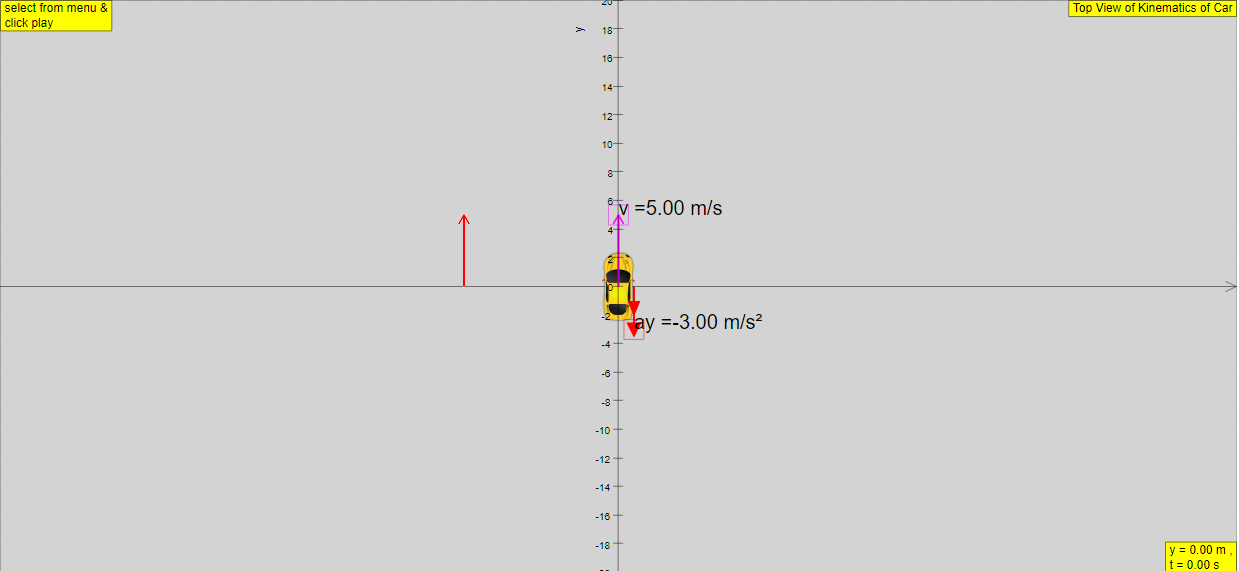
Instructions
Acceleration and Velocity
You can adjust the acceleration and velocity of the car in two ways.
1) Using the sliders

2) Dragging the arrows/empty boxes in the world
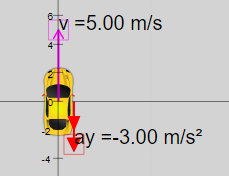
World-View Combo Box

Toggling through the combo box gives you a selection of view to choose from.
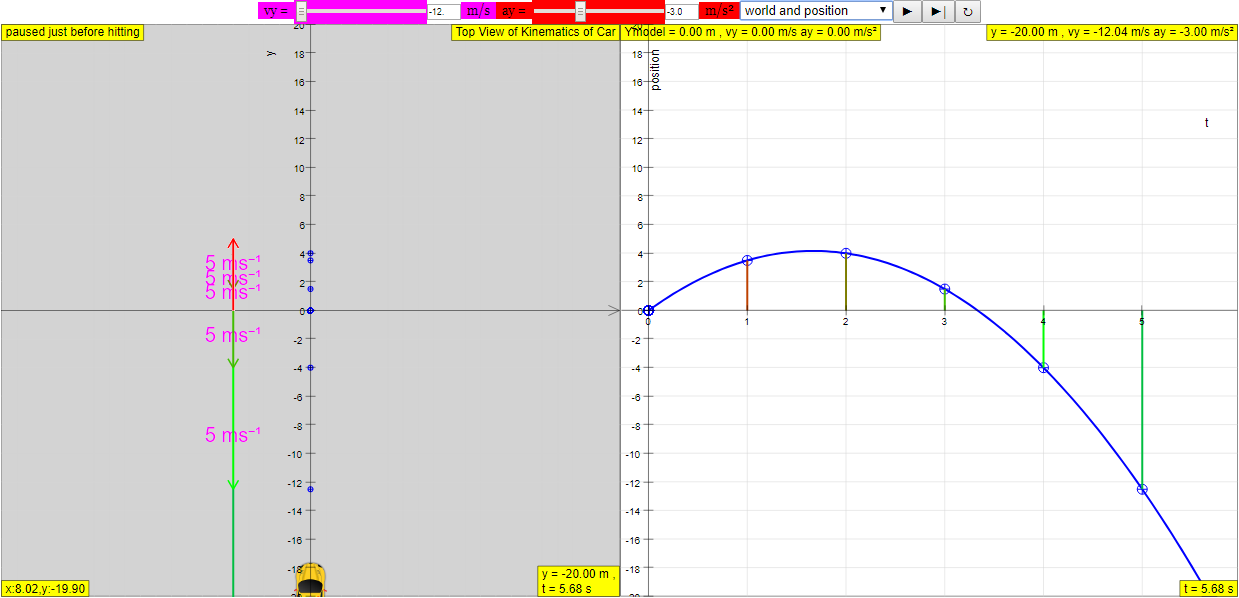
(World and Position View)
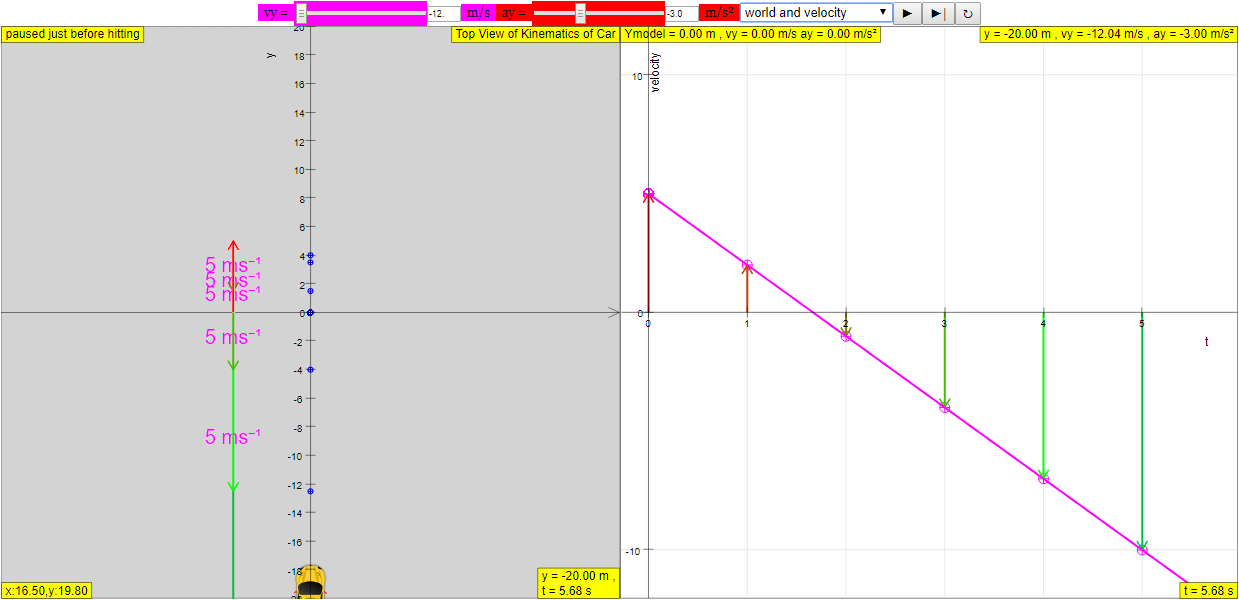
(World and Velocity View)
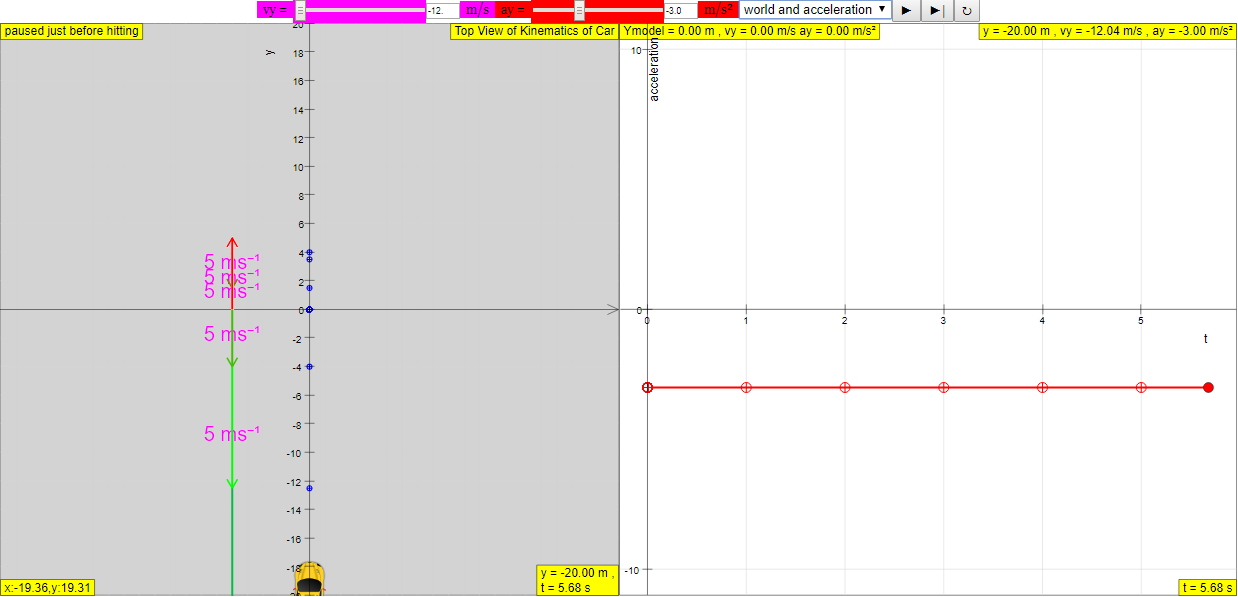
(World and Acceleration View)
Play/Pause, Step and Reset Buttons
Plays/Pauses, steps and resets the simulation respectively.
Research
[text]
Video
- https://www.youtube.com/watch?v=96gBQqgWwkM by ETDtogo {source}<iframe width="560" height="315" src="https://www.youtube.com/embed/96gBQqgWwkM" frameborder="0" allow="accelerometer; autoplay; encrypted-media; gyroscope; picture-in-picture" allowfullscreen></iframe>{/source}
- https://www.youtube.com/watch?v=-RfbnnqgOvk by ETDtogo{source}
<iframe width="560" height="315" src="https://www.youtube.com/embed/-RfbnnqgOvk" frameborder="0" allow="accelerometer; autoplay; encrypted-media; gyroscope; picture-in-picture" allowfullscreen></iframe>
{/source}
Version:
Other Resources
[text]
end faq
{accordionfaq faqid=accordion4 faqclass="lightnessfaq defaulticon headerbackground headerborder contentbackground contentborder round5"}